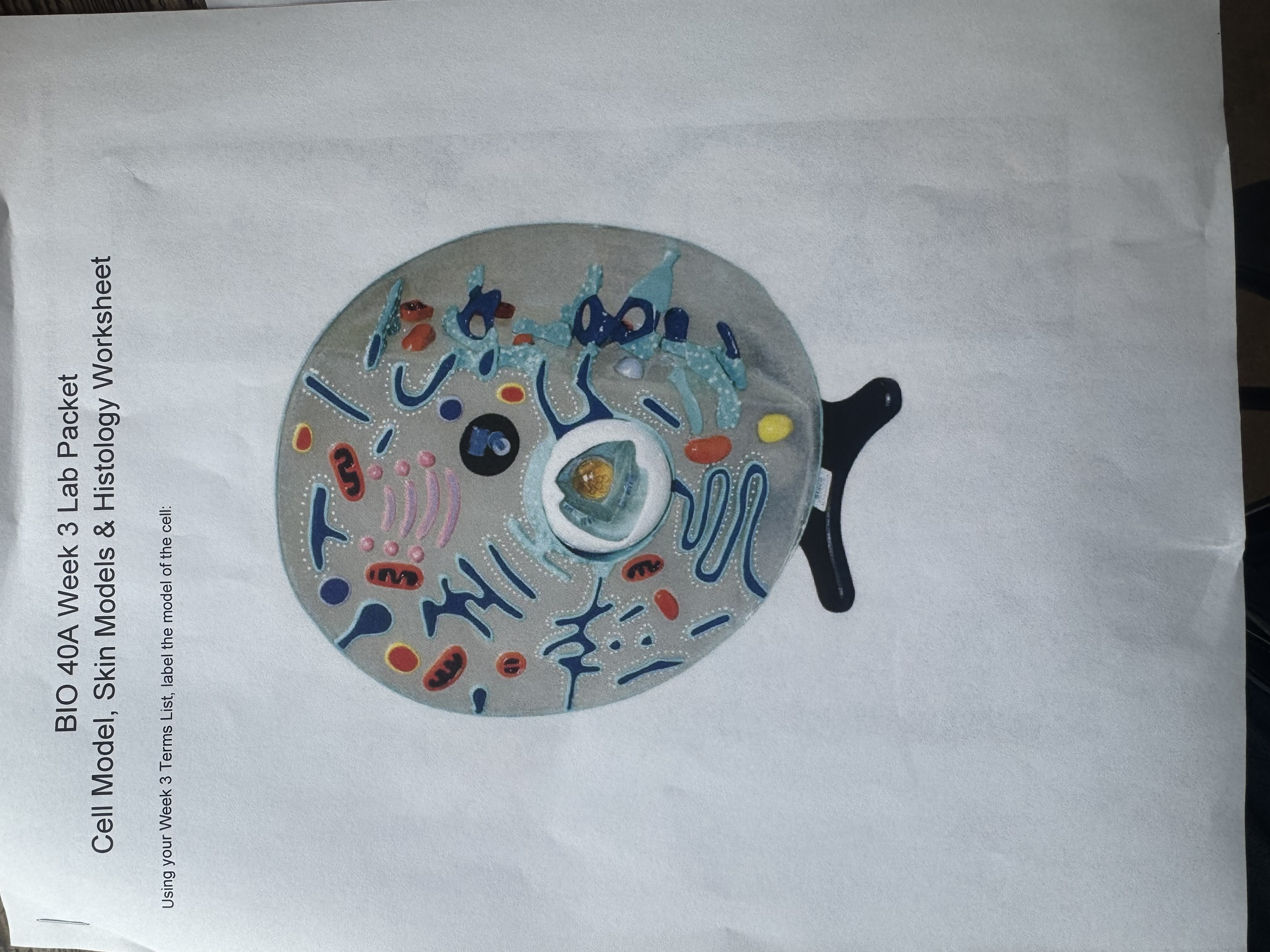
1. Tap the image to place a marker 2. Drag a term onto the marker (or tap term, then tap marker) 3. Tap X to remove a marker 4. Use +/- or pinch to zoom, drag to pan 5. Save when done